Simple
Fastest start
Four images and you're live — for anyone who wants motion first.
- Idle, blink, mouth open, both
- Expression sets and accessories
- Bounce, shake, breathe
- Volume or speech lip sync
Coming soon · Windows & macOS

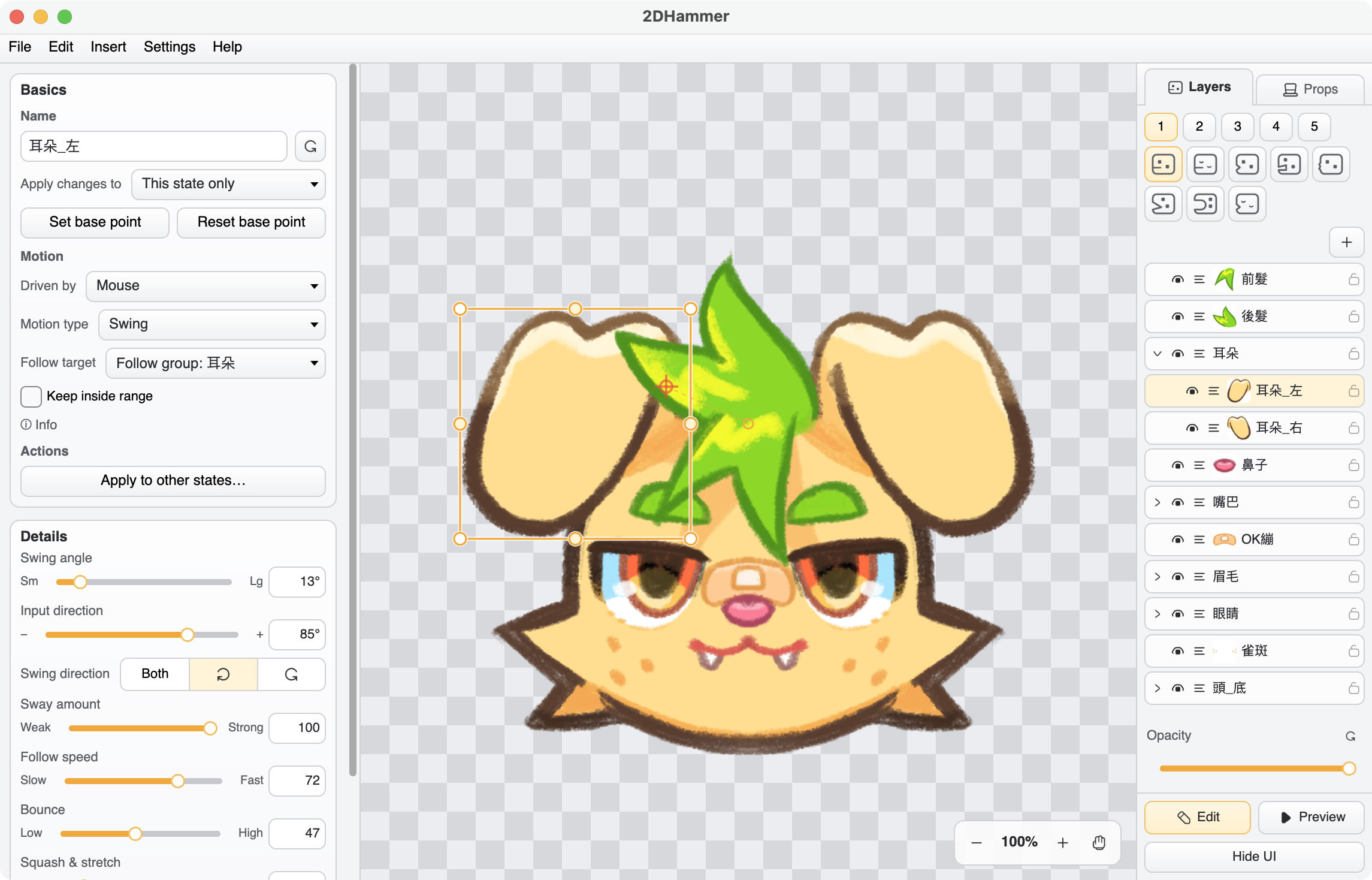
Not just image swaps — accessories, motion, and voice lip sync, with detail when you want it.
No new pipeline to learn. Import a layered file and it moves in a few clicks.
Two modes
Four simple images, or import a layered file. Two modes, one app.
Fastest start
Four images and you're live — for anyone who wants motion first.
For detail work
Import a layered file and finish layer motion and per-state transforms in one place.
Features
Every fine-tuning option you need, built in.
Supports PSD and Procreate files — groups and clipping masks fully preserved.
Bounce, shake, breathe, float — set a range and your character moves freely.
Offline voice analysis switches naturally between a, i, u, e, and o.
Auto-switch by mic volume; give hats and glasses custom motion, then export to share.
Hide the UI for a fully transparent background — no green screen keying.
Settings and images save as a .2dhammer — animated images, Dark Mode, and multiple languages built in.
FAQ
The public release is still being prepared, with Windows and macOS launching together. Follow progress on Patreon for early access.
No — a microphone is enough. Your character moves with volume and voice recognition. No face tracking.
Yes. Simple mode needs just four images (idle, blink, mouth open, both) to go live. Full mode imports a file with layers, and a few clicks set up the motion — much simpler to work with.
PSD and .procreate import directly. Regular images support PNG, JPG, GIF, APNG, and WebP.
Press F8 to hide the UI for a fully transparent background, then add a Window Capture of 2DHammer. No green screen keying needed.
No. It runs smoothly on most PCs, so streaming while gaming is easy.
Before the public release, you can follow progress on Patreon
and tell us what should ship next.
Or simply support the developer: OPay